
How to Remove Background Noise from Audio Files

Mateusz Krainski
Head of Product
Dec 11, 2025
Summary
Background noise degrades audio quality, causing 62% of viewers to abandon videos within 90 seconds and reducing clarity in business communications. Traditional noise removal often distorts speech or requires time-consuming manual work. Modern AI-powered solutions use generative speech restoration to remove noise and reconstruct missing speech details, preserving natural sound. These tools work in real-time for live calls and streaming, or in post-processing for recorded content like podcasts and videos. This guide explains how AI noise reduction works, compares discriminative and generative approaches, provides step-by-step instructions for using tools like Revoize, and shares best practices for balancing noise removal with natural sound quality.
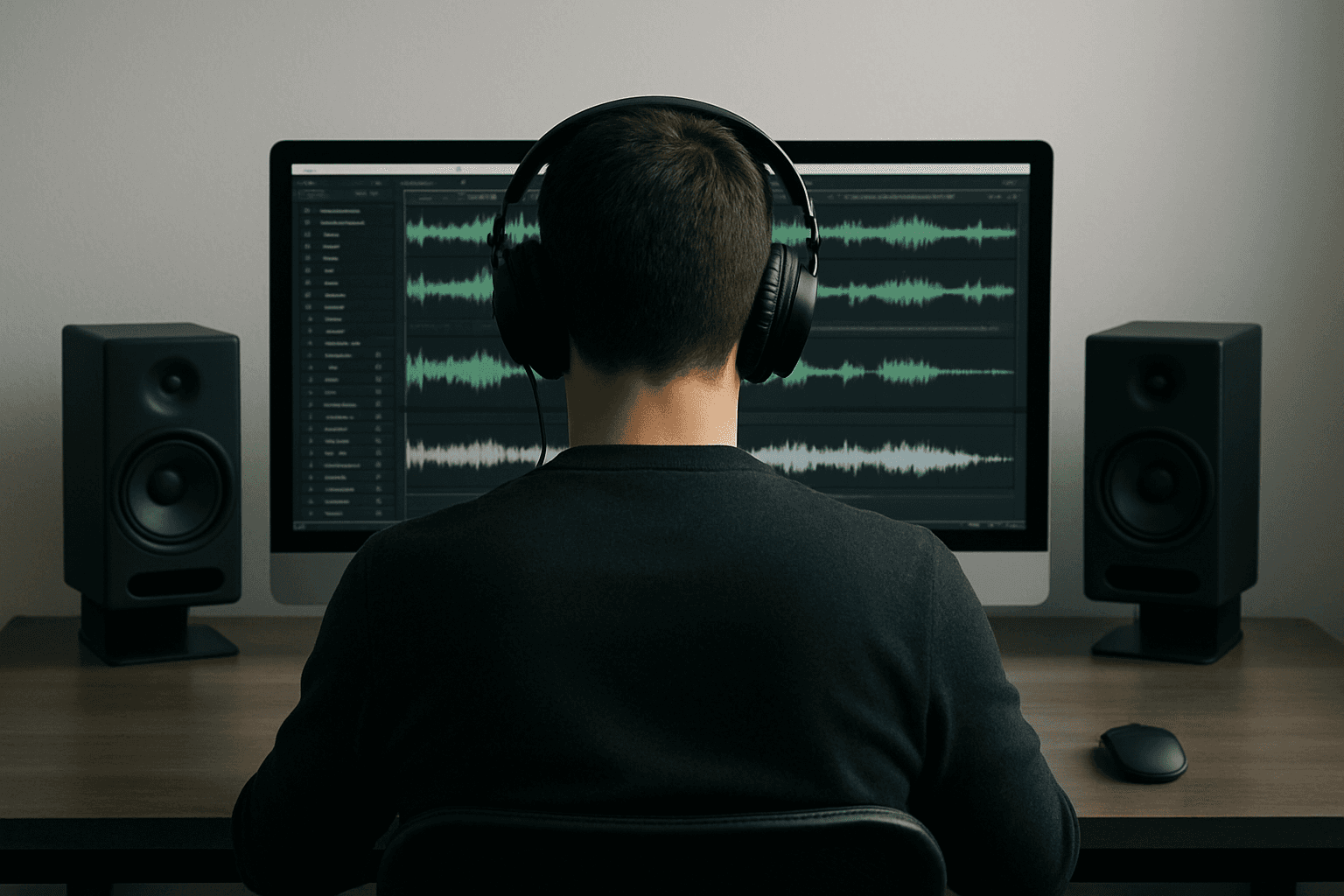
Background noise ruins audio quality. Traffic sounds, keyboard clicks, air conditioner hums, and room echo degrade speech clarity, making content harder to understand and less engaging. For content creators, poor audio quality causes 62% of viewers to abandon videos within 90 seconds. For business communications, background noise reduces call quality and can lead to misunderstandings that impact productivity and customer satisfaction.
Traditional noise removal methods often fall short. Static filters can suppress noise but frequently distort speech, leaving voices sounding robotic or hollow. Manual editing requires technical expertise and hours of work—time that most creators and professionals don't have. The challenge is finding a solution that removes unwanted noise while preserving natural speech quality, whether you're recording a podcast, conducting a video call, or cleaning up archived audio.
Modern AI-powered noise reduction solves this problem by automatically separating speech from background noise using advanced machine learning algorithms. Platforms like Revoize leverage generative speech restoration technology that not only removes noise but also reconstructs missing speech details, delivering natural-sounding results. These tools work in two primary modes: real-time processing for live scenarios like video calls and streaming, and post-processing for recorded content like podcasts and videos. The key is choosing the right approach for your workflow and understanding how to balance noise removal with maintaining natural sound quality.
How AI-Powered Noise Reduction Works
AI-powered noise reduction uses machine learning and deep learning algorithms to process sound and separate meaningful audio - like speech - from background noise. Unlike older methods with static filters, AI-based systems adapt and improve over time by learning from extensive datasets, making them effective in complex sound environments.
How AI Separates Speech from Noise
AI models learn to distinguish speech from noise by training on pairs of noisy and clean audio. This training process enables them to identify patterns that separate meaningful speech from background interference. The most widely adopted technique in modern speech enhancement is spectral masking, which takes a magnitude spectrogram of noisy speech and uses a neural network to predict a time-frequency mask that suppresses noise while preserving speech components [1].
These discriminative approaches—so called because they identify and filter out noise—have become industry standard for improving voice clarity in calls and meetings. However, they have a fundamental limitation: they can only remove unwanted elements and cannot restore lost speech components that may have been degraded by bandwidth limitations, packet loss, or clipping distortions [1].
Generative methods represent a breakthrough beyond traditional noise suppression. Inspired by advances in image processing, generative models like Generative Adversarial Networks (GANs) can actually reconstruct degraded portions of a speech signal. Unlike discriminative methods that filter noise, generative approaches analyze speech patterns at a fundamental level, allowing them to predict and regenerate missing or distorted speech components [2]. This makes them particularly effective when speech and noise overlap in frequency, or when speech information has been lost due to poor recording conditions.
The most effective solutions combine both approaches: a discriminative denoiser handles noise suppression while a generative restoration system reconstructs lost speech details, delivering both effective noise removal and high-fidelity speech reconstruction [1].
The choice between real-time and post-processing noise removal depends on your specific needs and workflow. For a detailed comparison of these approaches, including technical constraints, use cases, and quality trade-offs, see our comprehensive guide on real-time vs. post-production audio processing.
Tools for Removing Background Noise
Modern AI technology has made it easier than ever to separate speech from noise, offering practical solutions for various audio challenges. Whether you're dealing with real-time calls or refining audio in post-production, there's a tool designed to meet your needs. These tools bring AI's noise separation capabilities into everyday audio workflows.
AI-Powered Solutions
Revoize leverages cutting-edge generative speech restoration technology that combines discriminative noise suppression with generative restoration to deliver natural-sounding results [1]. Unlike traditional methods that only remove noise, Revoize's AI can reconstruct missing speech details that may have been degraded by bandwidth limitations, poor recording conditions, or noise interference [2]. It's capable of removing background distractions like traffic, keyboard clicks, fan noise, echo, static, hums, and reverberation while enhancing speech clarity and restoring lost frequencies.
For real-time use, the AI Dialog Boost Chrome extension processes audio locally with ultra-low latency—around 40 milliseconds—making it perfect for live calls and streaming. It essentially acts as a virtual microphone, ensuring clear audio on the spot. On the other hand, Revoize's upload-based tools are ideal for post-production, delivering studio-quality results for podcasts, videos, and other recorded content without requiring manual adjustments. For more details on choosing between real-time and post-processing approaches, see our guide on real-time vs. post-production audio processing.
Revoize offers flexible pricing options, including a Free plan with 15 minutes of enhancement per month, a Starter plan for $8 per month with 180 minutes, and Enterprise packages with custom pricing and API access. The Chrome extension is currently free to use with browser-based platforms like Google Meet, Zoom, and Microsoft Teams.
Standalone Tools for Quick Cleanup
Standalone tools are a great choice for quick, hassle-free noise removal. These applications allow users to upload audio files, which are then processed automatically using pre-trained AI models. This simplicity makes them especially useful for content creators, journalists cleaning up field recordings, and transcribers needing clearer audio for better speech-to-text accuracy. While these tools save hours compared to manual editing, they typically offer fewer customization options than professional-grade solutions.
Professional Plug-In Solutions
For those working in professional audio environments, plug-ins that integrate directly into digital audio workstations (DAWs) like Pro Tools, Logic Pro, and Adobe Audition are indispensable. These tools provide granular control, allowing for precise adjustments on a clip-by-clip basis. They're widely used in industries like film, TV, music, and gaming for tasks like dialogue cleanup and audio restoration. With features like detailed spectral editing, they're essential for complex, multi-track sessions. However, they do require technical expertise and careful manual tuning to avoid introducing unwanted artifacts.
How to Remove Background Noise: Step-by-Step
Cleaning up background noise doesn't have to be a daunting task. Whether you're fine-tuning a podcast or prepping audio for a video, a clear process can make all the difference. Here's how you can achieve cleaner, more professional audio.
Preparing Your Audio File
Revoize can process any audio or video file format: from lossless WAV and FLAC files to compressed MP3s, and even video files with embedded audio tracks. The AI automatically analyzes your content and identifies noise patterns without requiring you to specify what type of background noise is present. However, not all platforms offer this flexibility. Some tools may require specific file formats or have limitations on file size or duration. With Revoize, you can simply upload your file in any supported format and let the system handle the rest.
Using Revoize for Noise Removal

To get started, create an account on the Revoize platform. Simply drag and drop your audio file into their web interface, and the AI will automatically analyze and clean up the audio for you using generative speech restoration technology [2].
For live situations like video calls or streaming, you can use the Revoize AI Speech Enhancement Chrome Extension. Install it from the Chrome Web Store. Once installed, click the extension icon, select your input microphone, and set "Revoize Virtual Microphone" as your audio input in platforms like Google Meet, Zoom, or Teams. The extension processes audio locally with minimal latency (around 40 milliseconds) to remove distractions like keyboard clicks, fan noise, and room echo in real time.
Checking Quality and Exporting
After processing, test the results by playing back the audio on various devices - studio headphones, laptop speakers, even your phone. This helps ensure the audio sounds natural across different playback systems. Compare the processed file to the original to confirm that speech clarity has improved without introducing artifacts or stripping away the natural tone of the voice.
If you're satisfied with the results, download the enhanced file from the web platform. Keep in mind, the free plan allows up to 15 minutes of enhancement per month. For more flexibility, the Starter plan costs $8 per month, providing 180 minutes of processing.
Best Practices for Noise Reduction
Recording in Controlled Environments
The best way to get great audio is to start with a clean recording in a controlled environment. Choose a quiet space, turn off any appliances or devices that create background hums or buzzes, and pay attention to microphone placement. Keep a consistent distance from the mic to avoid pops and reduce the capture of ambient noise. Using headphones during recordings can help you catch feedback or other issues in real-time. It's also a good idea to record a short test clip before starting to ensure there are no surprises, like a faint hum or overly sensitive mic settings.
However, this isn't always possible. Remote workers record from home offices with air conditioning, content creators film in noisy environments, and field journalists capture audio in unpredictable conditions. Modern AI-powered noise reduction tools excel at handling these real-world scenarios, automatically identifying and removing background noise while preserving speech quality. When you can't control your recording environment, these tools become essential for achieving professional-quality audio.
Balancing Noise Removal and Natural Sound
Be cautious with noise suppression - too much can harm the clarity of your speech. Aggressive noise suppression can damage the target speech, reducing both speech intelligibility and quality despite removing the noise. Over-filtering can strip away the nuances of a voice, leaving it sounding hollow or mechanical. This is why generative speech restoration approaches that can reconstruct lost speech details are superior to purely discriminative methods that only remove noise [1].
Striking the right balance is essential. Modern AI-powered tools like Revoize are designed to maintain natural speech quality while removing unwanted noise [2]. In post-processing scenarios, you can even mix the cleaned signal with a small amount of the original noisy signal to preserve some ambient sound. Cutting out 100% of background noise isn't always ideal - in some cases, leaving subtle ambient noise helps maintain the natural vibe and atmosphere of the recording, making it feel more authentic and less sterile. Pay close attention to artifacts like flanging, bubbly distortions, or an unnatural hollow tone - these are signs that the noise reduction may be overdone. Always compare the processed audio with the original to ensure you're maintaining clarity without sacrificing the natural tone.
Conclusion
Getting rid of background noise in audio doesn't have to be a hassle. Whether you're recording a podcast, hosting a telemedicine session, or handling customer service calls, AI-powered tools can help you achieve crisp, clear audio without the need for expensive equipment or technical expertise.
The key is understanding your workflow. For live sessions, real-time noise reduction is your best bet, while post-processing works best for pre-recorded audio. Tools like Revoize's AI excel at separating speech from noise, keeping the voice natural while eliminating unwanted distractions. This leads to clearer communication, fewer misunderstandings, and smoother operations across various industries.
Always start with the best possible recording quality and use noise reduction with care. Over-processing can make the audio sound unnatural or hollow, so it's important to test different settings. Compare the processed audio with the original to ensure you're maintaining clarity and keeping the voice authentic. With the right approach, you can strike the perfect balance between clean audio and natural sound.
References
[1] Revoize. (2025). Generative Speech Restoration - Technical Overview. Retrieved from https://revoize.com/blog/generative-speech-restoration-technical-overview
[2] Revoize. (2025). What is Speech Enhancement? Retrieved from https://revoize.com/blog/what-is-speech-enhancement
[3] Revoize. (2025). Real-time vs Post-production Audio Processing. Retrieved from https://revoize.com/blog/real-time-vs-post-production-audio-processing
